

- Developer
- Discord Inc.
- Installs
- 500M+
- Downloads
- 0
- Views
- 6
- Updated
- Oct 26, 2026
Screenshots
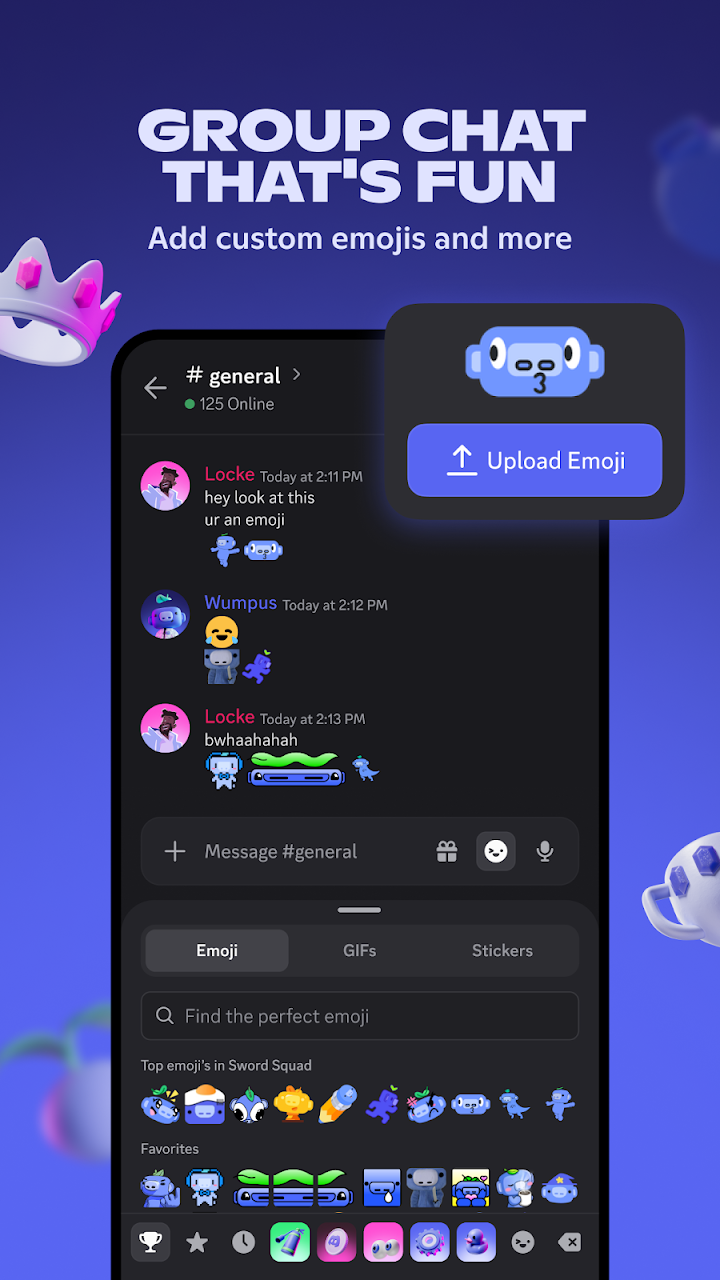
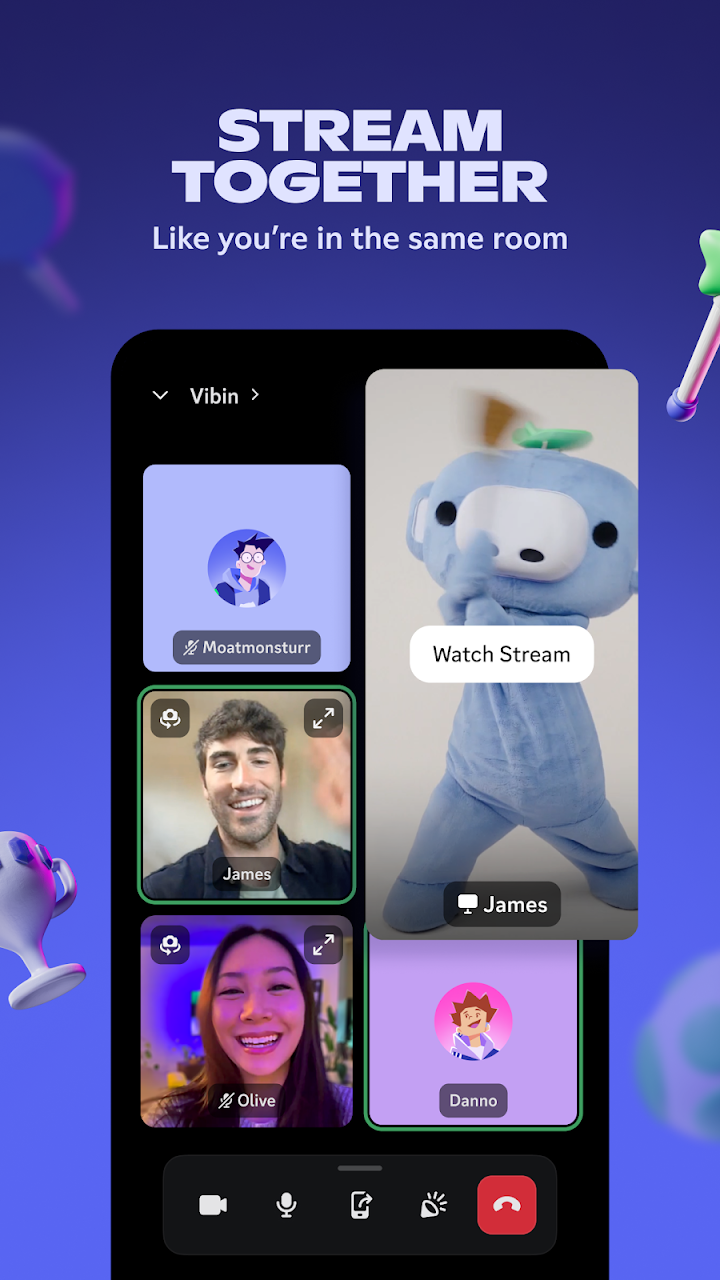
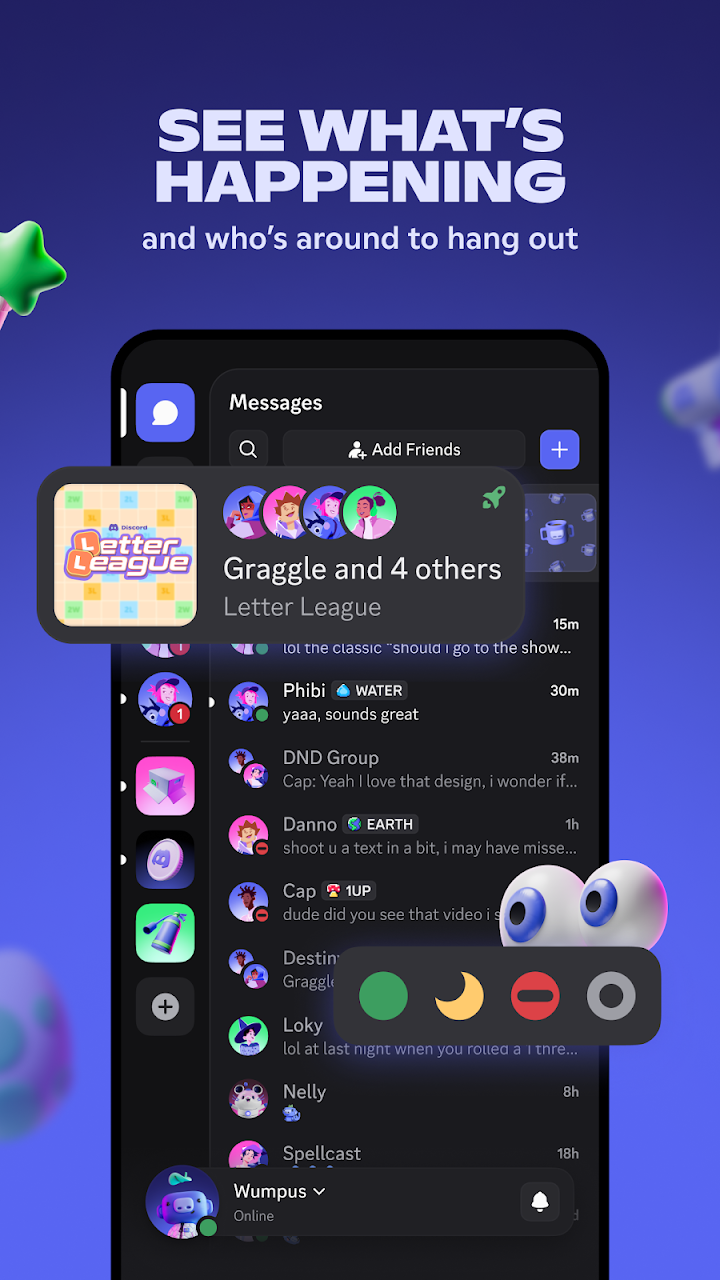
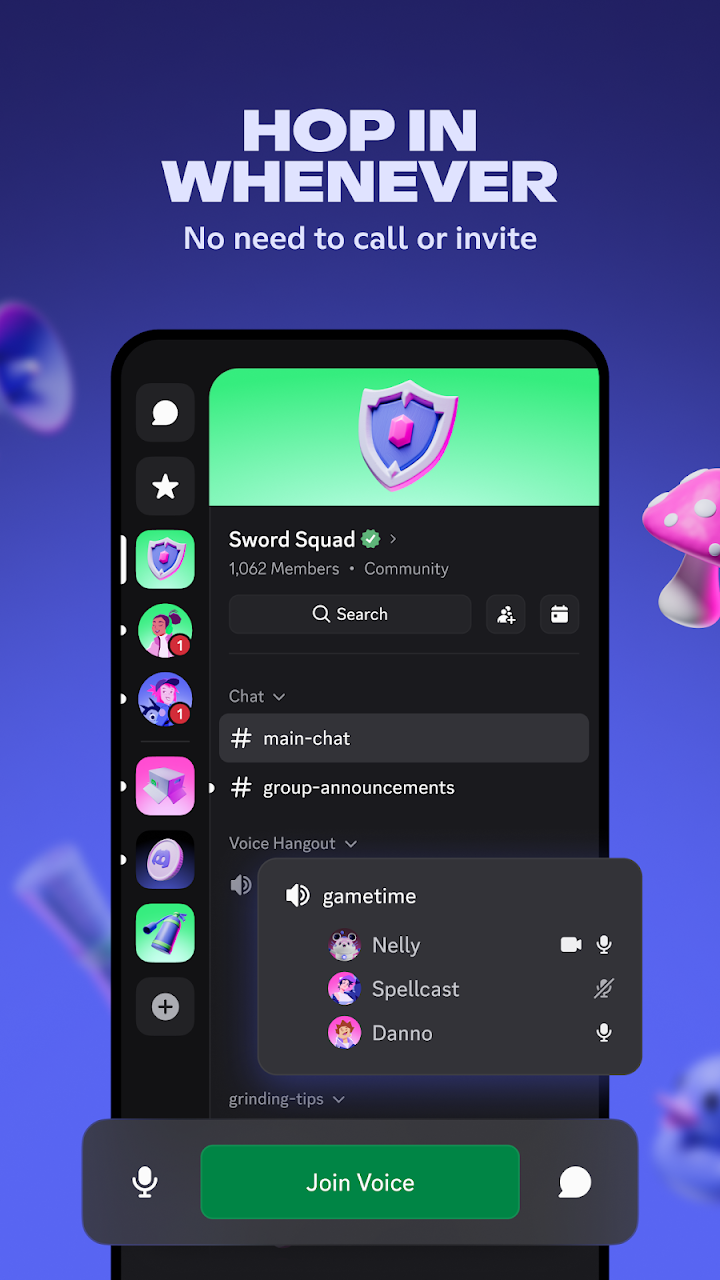
About Discord - Talk, Play, Hang Out
Discord is a communication app that began as a place for gamers to talk and has grown into a general platform for communities of all kinds. On a games website it is relevant for a simple reason: many games, guilds, clans and fan groups run their own Discord communities for voice chat, news and organising matches. Understanding how it works helps you join those groups safely and get more from the games you play.
Servers and channels
The core structure is the server, a private or public space created by a person or group. Each server contains channels. Text channels hold written conversations on specific topics, such as announcements, strategy, bug reports or off-topic chat, while voice channels let members talk live. This organisation makes it easy to find the right conversation, and it is one of the main reasons communities choose Discord over a single group chat.
Voice and video
Voice channels are the feature most associated with gaming. You join a channel, and you can speak with others while you play, usually with low delay. Many servers also support video and screen sharing, which is useful when you want to show a friend a problem in a game or share a moment. On mobile you can talk through headphones and use push-to-talk or voice activation, depending on your settings.
Direct messages and friends
Besides servers, you can send direct messages to individuals or small groups and keep a friends list. This is helpful for coordinating with the people you play with regularly. You can control who may send you friend requests and direct messages in your privacy settings, which is important if you are using the app in public communities.
Roles and moderation
Servers use roles to organise members and control permissions. A moderator role may be allowed to delete messages or remove disruptive users, while regular members can only chat. Good servers publish clear rules and have active moderators. When you join a new community, read the rules and see how they are enforced before participating.
Safety tips
The platform has an age requirement, and families should review it before allowing younger players to use it. Use the privacy settings to limit direct messages from people you do not know, and be careful with links and files shared by strangers, as they can be used for scams or malware. Never share passwords, verification codes or payment details in chat. If someone makes you uncomfortable, block and report them, and leave servers that do not enforce their rules. Parents should consider discussing how to use the app responsibly.
Notifications and balance
Active servers can generate many notifications. Mute channels you do not need and set quiet hours so that the app does not interrupt study or sleep. The app can be a useful social tool, but it is easy to spend more time than you intended, so set limits that suit you.
Optional subscription
The app offers a paid subscription with extra features such as higher-quality uploads and customisation. The core functions are available without it, and you should check the current plans and prices inside the app.
Who will enjoy it
Gamers who play with friends, members of clans and communities, and anyone who wants organised text and voice chat will find it useful. If you prefer to avoid social platforms, you can still use it to follow announcements for the games you like.
Download checklist
Check the latest version, file size and supported devices on the official store page linked from the download button. Downloads are not hosted on this site. This is an independent overview and is not endorsed by Discord Inc.