- Developer
- Mojang
- Installs
- 50M+
- Downloads
- 0
- Views
- 1
- Updated
- Oct 26, 2026
Screenshots
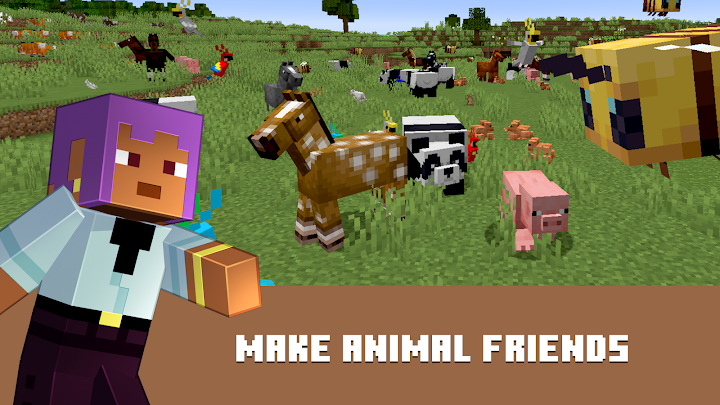
About Minecraft: Dream it, Build it!
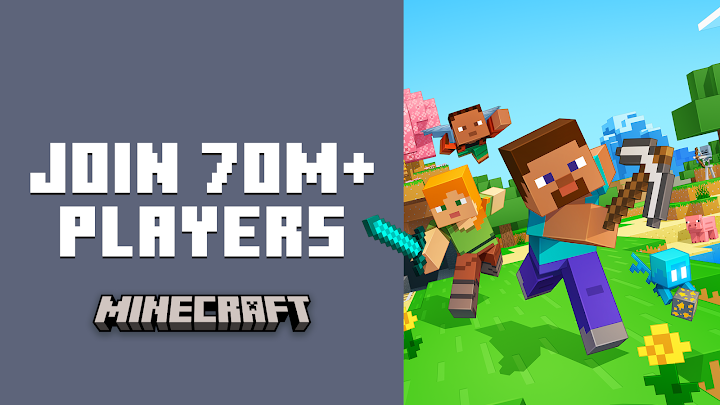
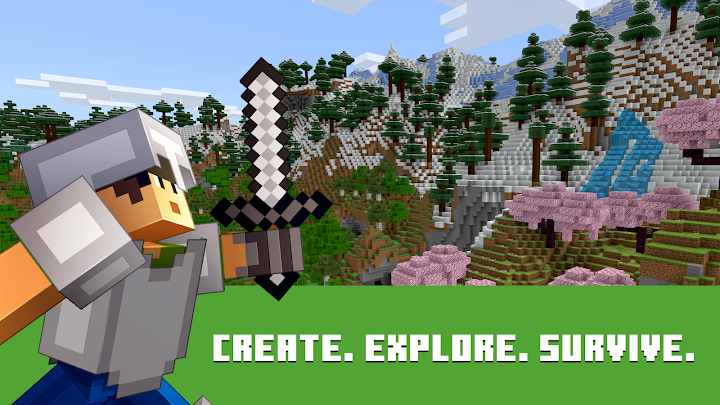
Minecraft is one of the best-known sandbox games in the world, created by Mojang. You explore a world made of blocks, collect resources, craft tools and build whatever you can imagine. There is no single storyline that you must follow. Instead, the game gives you tools and a world and lets you decide whether to survive, explore, create or play with friends.
Two main ways to play
Survival mode asks you to gather resources, keep your character fed and protect yourself from hostile creatures that appear in the dark. Creative mode removes those pressures: you have access to all the building blocks and can fly, which makes it ideal for large projects. Many players move between the two, using survival to learn the game and creative to design ambitious builds.
Gathering and crafting
The earliest steps are always the same. You punch trees to get wood, turn it into planks and craft a workbench, then use that to make tools. From there, you progress to stone, metal and more advanced materials. Crafting recipes teach you how items relate to one another, and experimenting is part of the fun. Better tools let you mine faster and reach deeper areas of the world.
Exploration
Worlds are generated procedurally, so each one has different landscapes, caves and structures. You might find forests, deserts, mountains, oceans and villages. Exploring is rewarding because you discover new resources and places to build. Carry a few basics when you travel, such as food, a weapon and blocks, so that you can handle surprises.
Building and redstone
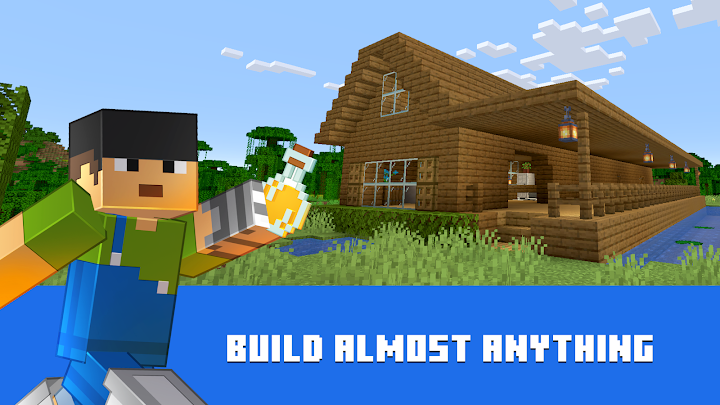
Building is the creative heart of the game. People use blocks to make houses, castles, farms and detailed artwork. For players who enjoy logic, the game includes a system called redstone, which lets you create mechanisms such as doors, lights and automatic farms. It has a learning curve, but there are many community tutorials for those who want to try.
Playing with others
Minecraft supports playing with friends, and options differ across versions and platforms. Cooperative building is a popular way to spend time, and many families use it as a shared creative space. Check the current features and account requirements on the official store page before you plan a game with friends.
Mobile experience
The mobile version uses touch controls designed for smaller screens. You can move with an on-screen stick, look by dragging and place or break blocks by tapping. Controller support may be available on some devices. Worlds can be large, so make sure your device has enough free storage and a stable battery.
Survival tips for beginners
Collect wood immediately and craft a basic set of tools before the first night. Build a small shelter, even a simple hut, and place torches inside and outside to reduce the number of creatures that appear. Eat regularly and avoid exploring far from your base without supplies. Keep a record of the location of your base, since it is easy to become lost in a large world. Always dig carefully and avoid mining straight down.
Pricing and extras
Minecraft is generally sold as a paid game, and it may offer optional extra content such as add-ons or cosmetic items. Check the official store page for current pricing and any in-game purchases, especially if a child will be using the game.
Who will enjoy it
Creative players, builders and anyone who likes open-ended exploration will enjoy it. Players who want a fixed narrative or fast-paced competition may prefer other titles.
Download checklist
Check the latest version, file size and supported devices on the official store page linked from the download button. We do not upload or mirror the game; the link goes straight to the publisher's store listing. This is an independent overview and is not endorsed by Mojang or its parent companies.