- Developer
- ELECTRONIC ARTS
- Installs
- 100M+
- Downloads
- 0
- Views
- 1
- Updated
- Oct 26, 2026
Screenshots
About Plants vs Zombies™ 2
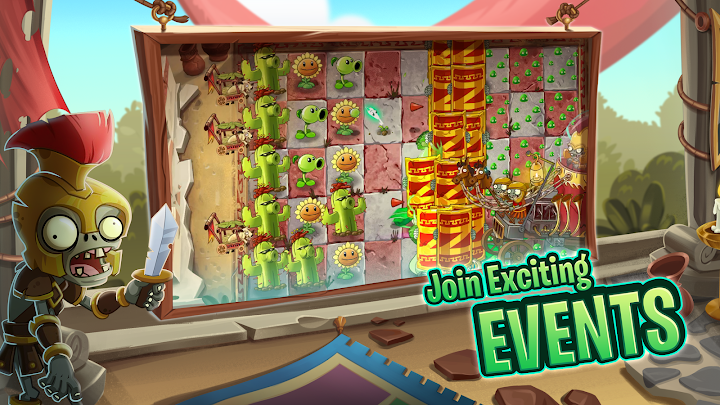
Plants vs. Zombies 2 is a tower-defence strategy game from Electronic Arts and PopCap Games. You defend your home from waves of zombies by planting a variety of plants, each with its own ability. The sequel adds time travel to the original idea, taking you through themed worlds such as ancient Egypt and pirate seas, where each location introduces new zombies and new plants. The humour, colourful art and simple rules make it approachable for almost any age group.
The core loop
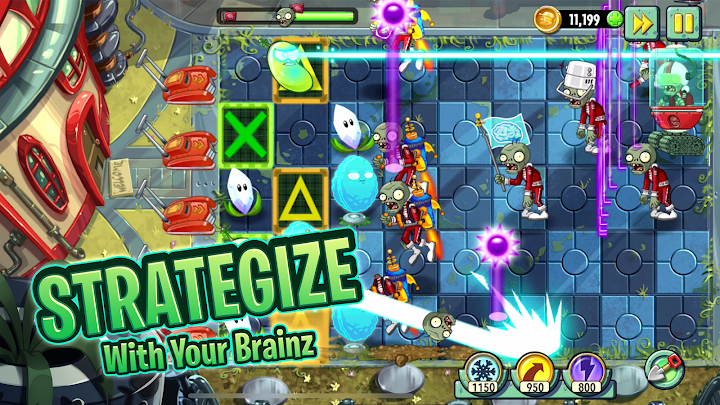
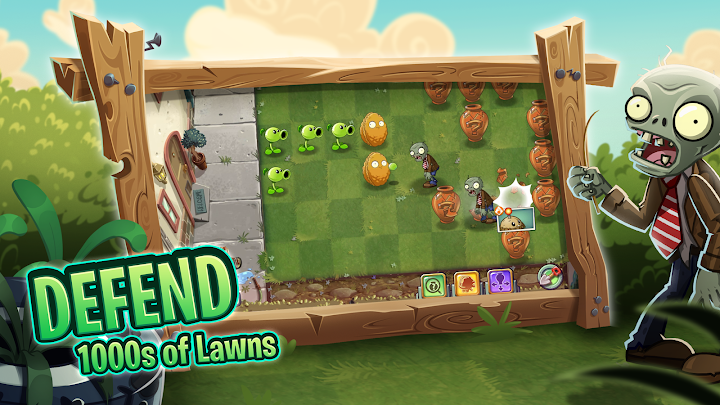
You play on a grid with several lanes. Zombies walk from the right side toward your house on the left, and you place plants to stop them. Plants cost sun, a resource that falls from the sky and is produced by sunflower plants. The first minutes of a level are about building an economy: place sun-producing plants early, then add defensive plants when enemies approach. A successful level depends on balancing the cost of attackers against the need to keep growing your sun supply.
Plants and roles
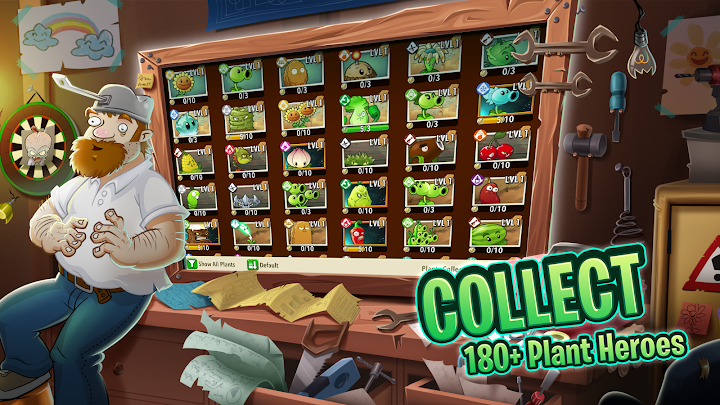
Plants are divided into roles. Shooters attack zombies from a distance, walls slow them down, bombs clear groups and utility plants help in special situations. Understanding which plant works best against which zombie is the central skill. For example, a tall wall plant can protect shooters from a heavy attacker, while a fast-acting explosive plant might solve a sudden rush. Mixing plants thoughtfully is more effective than relying on one favourite.
Plant Food
One of the sequel's defining features is Plant Food, a boost that gives a plant a temporary special effect. Depending on the plant, the effect might be a rapid volley of attacks, a large explosion or an extra burst of sun production. Plant Food is limited, so use it when the effect will have the largest impact, such as when a large group of zombies enters a lane.
Worlds and challenges
Each world has its own theme, mechanics and zombie types, and levels include special conditions that change how you play. In some levels you may have to protect a particular object or deal with moving obstacles. The variety prevents the game from feeling repetitive and keeps you adapting your strategy.
Progression
You earn rewards and unlock new plants as you progress, and you can level up plants to improve their abilities. The game also has events and regular updates, so the available content may change. Check the in-game menus for current offers.
Strategy tips
Plant sun-producing plants in the back column first and keep expanding them as the level progresses. Look at the preview of upcoming zombies if the game provides one, and choose plants that counter them. Do not waste Plant Food on easy situations. Keep a few reserve plants ready for emergencies, and replace damaged defenders before they are destroyed. If you lose a level, think about whether you spent too much on offence or too little on defence, then adjust.
Free-to-play notes
The game is free to download, and the store page states that it includes optional in-game purchases of virtual currency, including a random selection of items. Because strategy depends on skill and planning, it is possible to progress without spending, but some items and shortcuts are sold. Set a spending limit and enable purchase controls on shared devices.
Who will enjoy it
Strategy fans, families and players who like humour and colourful art will enjoy it. If you prefer fast action, the planning style may feel slow.
Getting the game safely
Instander Games is an information site and does not host downloads. Press the download button to reach the official page and review the latest version and supported devices before installing. This page is an independent guide and is not affiliated with Electronic Arts or PopCap Games.