
- Developer
- Valve Corporation
- Installs
- 100M+
- Downloads
- 0
- Views
- 1
- Updated
- Oct 26, 2026
Screenshots
About Steam
The Steam mobile app is the companion to the Steam game platform, which is widely used on computers. It does not run games on your phone. Instead, it lets you manage your account, browse the store, talk to friends and keep your account protected. For anyone who buys and plays games on a computer, it is one of the most practical apps to have installed.
Store and wishlists
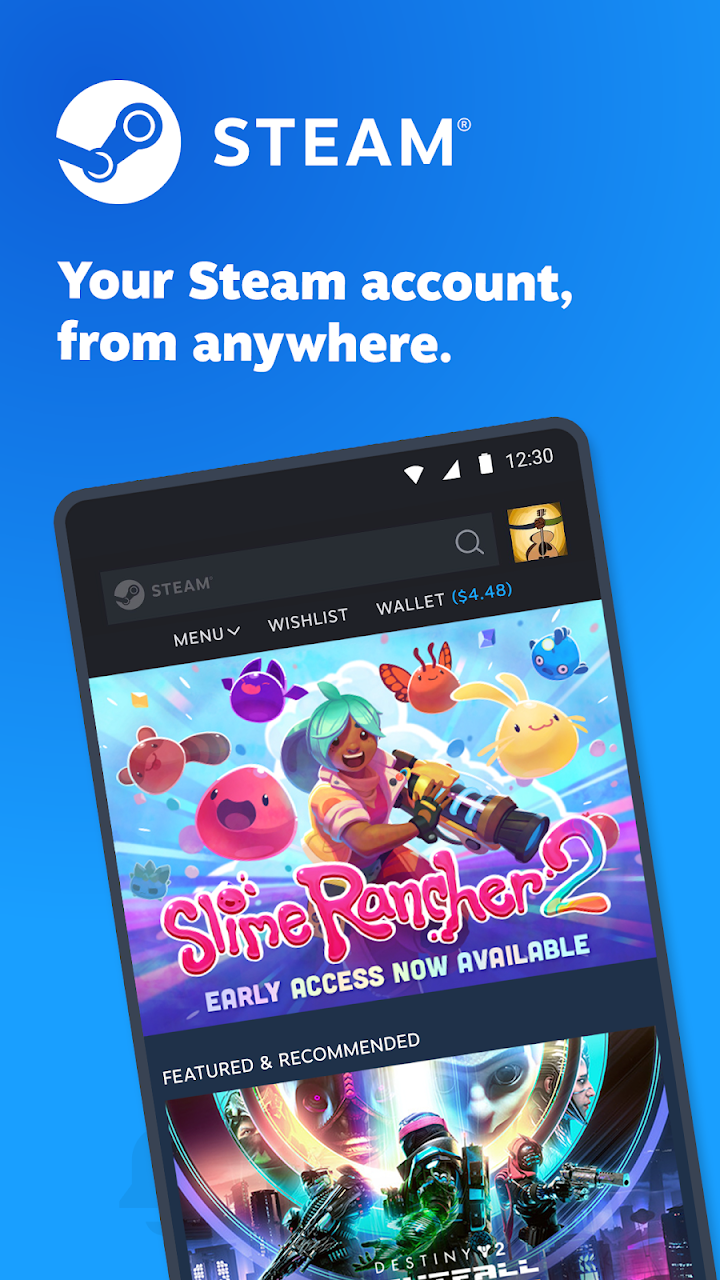
You can browse the store from your phone, read game pages, look at screenshots and videos and check user reviews. If a game is not on sale at the price you want, you can add it to your wishlist and receive a notification if it gets cheaper. Wishlisting is also a good way to avoid impulse buying: add a game, wait a few days and check whether you still want it.
Chat and community
The app includes friends list and chat features, so you can message friends while away from your computer. You can also read community discussions, guides and news for the games you own. Many players use it to follow patch notes or event announcements without opening a computer.
Steam Guard and account security
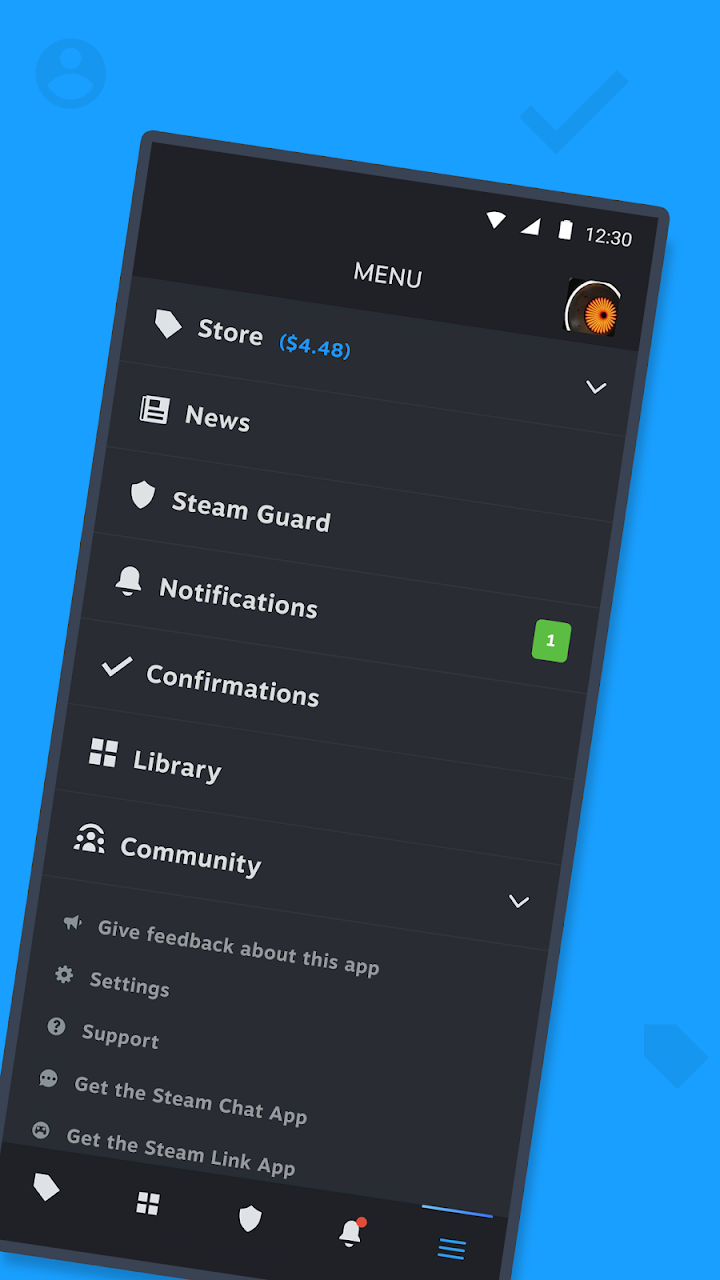
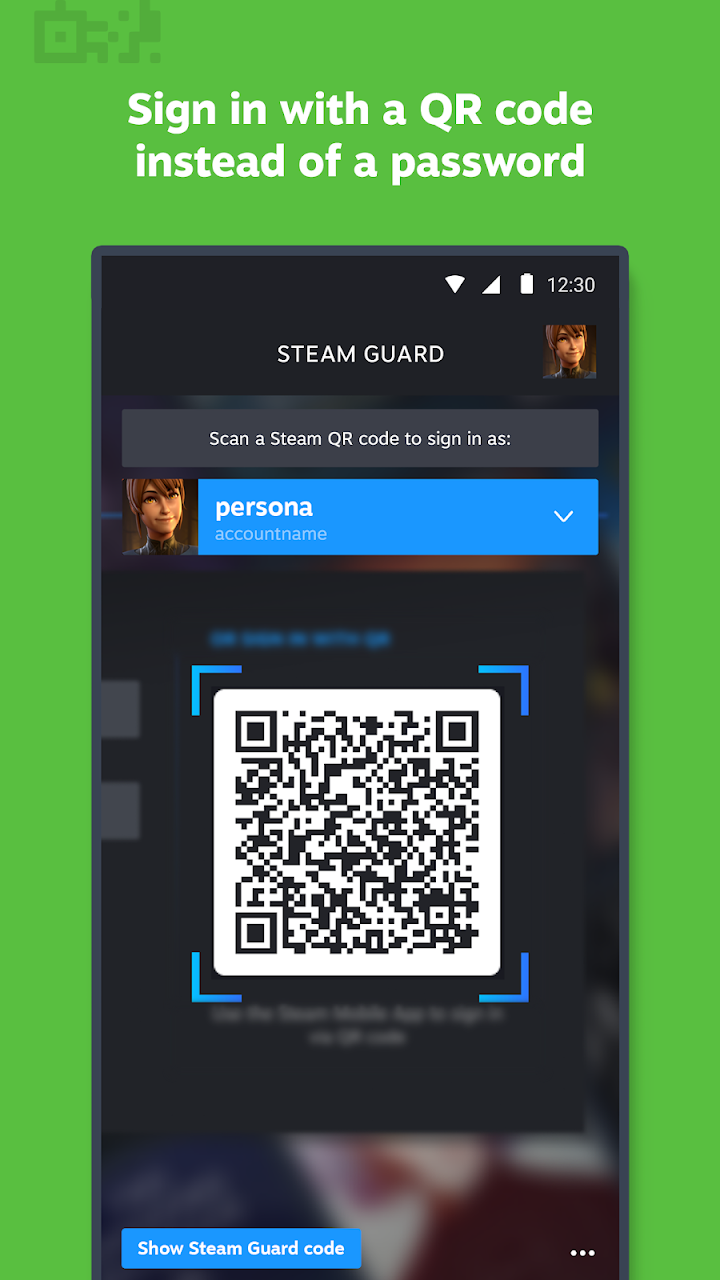
A key feature is Steam Guard, which can generate login codes and let you approve sign-in attempts from your phone. Using it makes it far harder for another person to access your account, even if they know your password. Keep your phone secure with a screen lock, and note the recovery options provided by the platform in case you change devices. Never share login codes with anyone, and be cautious of messages that ask you to click unusual links or approve trades you did not start.
Trades and confirmations
If you use features that involve trading or selling items, the app may ask you to confirm actions from your phone. Read each confirmation carefully. Scammers sometimes try to pressure users into approving something quickly, so take your time and approve only what you started yourself.
Downloading to your computer
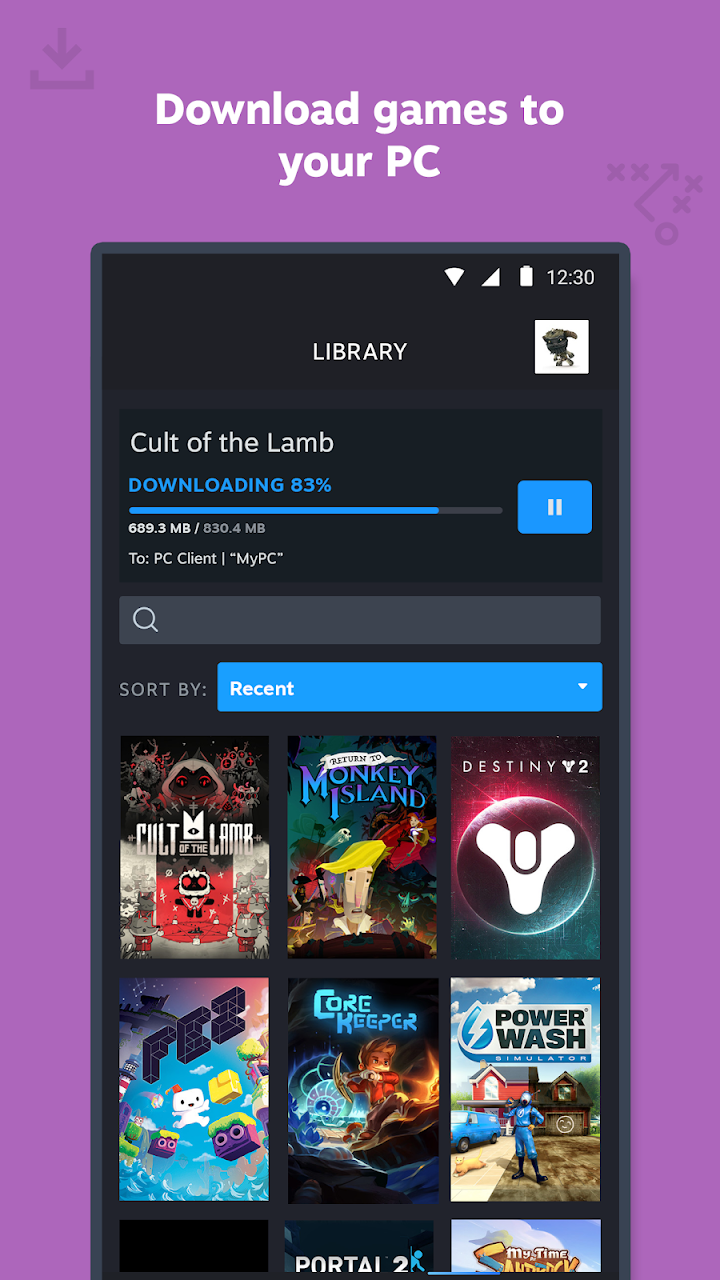
Depending on your settings, you may be able to start a download on your computer from the app. This is handy if you want a game to be ready when you arrive home. Make sure your computer is on and connected, and remember to check available storage.
Notifications
You can choose which notifications to receive, such as sale alerts, chat messages and account activity. Limit them to what is useful so that the app does not become a distraction.
Spending sensibly
The store sells games, downloadable content and sometimes in-game items. Check the price, regional availability and refund policy before you buy, and consider using wishlists and reviews to decide. If children use the account, set up family features and purchase controls.
Who will enjoy it
PC gamers who use the platform will benefit the most, particularly from the security features. If you do not use the platform, the app has little purpose.
Official download and safety
The download button opens the official store listing, where the current version, size and compatibility are shown. Instander Games is an information site and does not host downloads. This is an independent overview and is not endorsed by Valve Corporation.