
- Developer
- Valve Corporation
- Installs
- 10M+
- Downloads
- 0
- Views
- 1
- Updated
- Oct 26, 2026
Screenshots
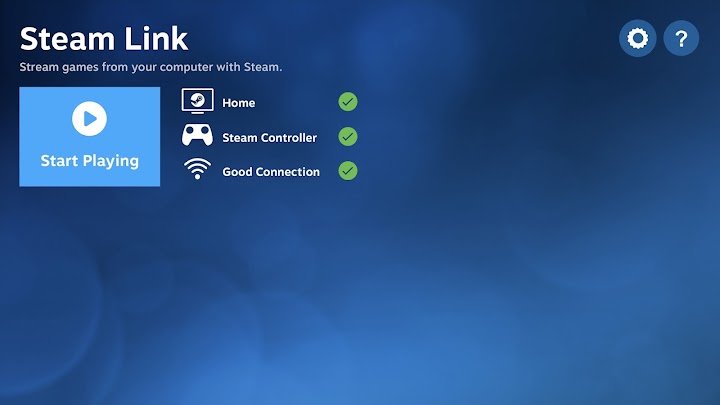
About Steam Link
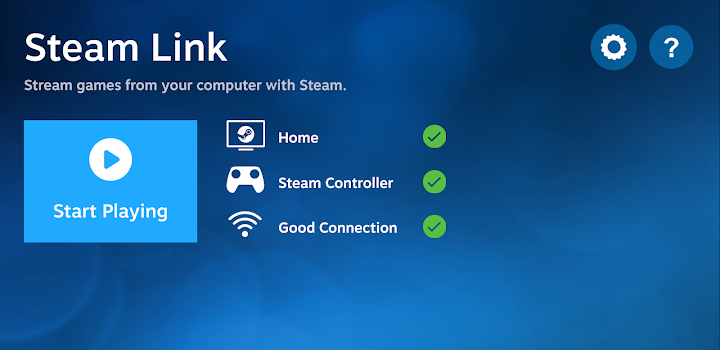
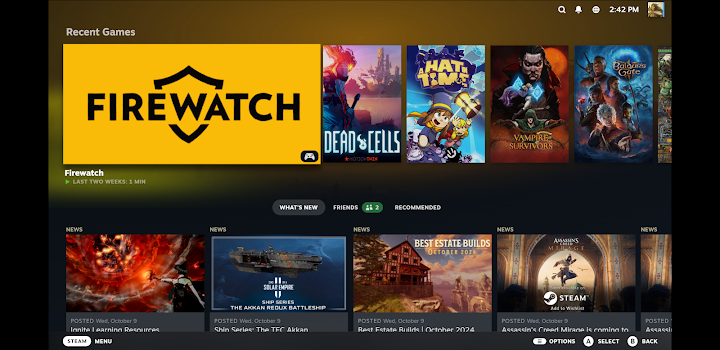
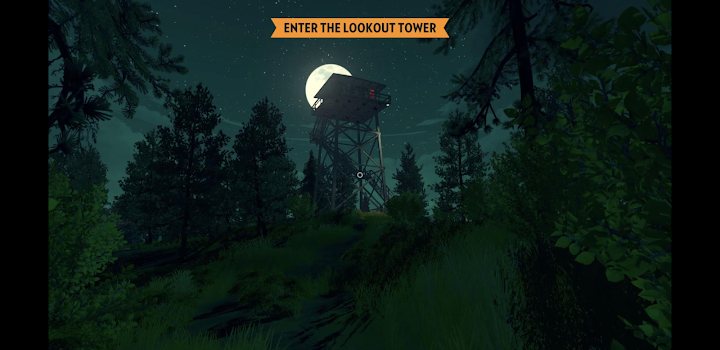
Steam Link is an app from Valve that lets you play games from your own computer on an Android phone, tablet or compatible device. The game does not run on your phone. Instead, it runs on a PC that has Steam installed, and the video and sound are streamed to your device while your controls are sent back to the PC. This allows you to enjoy a large library of PC games on a small screen without buying them again.
What you need
To use the app you need a computer running Steam, a Steam account and a game that works on that computer. Your Android device needs the Steam Link app. For the best results, both devices should be on the same local network, and the PC should be connected with a cable if possible, because wired connections are usually more stable than wireless ones. The more reliable your network, the smoother your experience.
How setup works
Open the app on your device and it searches for computers on your network. When it finds yours, it asks you to enter a pairing code shown on the PC screen. After pairing, you can start Big Picture mode or launch a game from the computer. If the app cannot find your PC, check that Steam is running, that both devices use the same network and that firewall settings are not blocking the connection.
Controllers and touch
Games designed for a controller tend to work best. You can connect a Bluetooth controller to your Android device and use it as if it were plugged into the computer. The app also provides touch controls for some situations, but precise games are much easier with physical buttons. Keyboard and mouse can be used in some setups, which may help with menu-heavy games.
Reducing lag and improving quality
Streaming adds some delay, and the amount depends on your network. Use a 5 GHz Wi-Fi band for your phone, keep the router close and avoid heavy downloads on other devices while you play. In the settings you can adjust video quality and bandwidth. If the picture stutters, lower the resolution or the bitrate before blaming the game. Fast-paced competitive games are the most sensitive to delay, while strategy, role-playing and slower action games are usually more forgiving.
Battery and heat
Streaming for long periods uses battery and can warm the device. Charge your phone while playing for longer sessions, and use a stand rather than holding the device for hours. Reduce screen brightness if you do not need it at maximum.
Remote play away from home
Some setups allow streaming over the internet, but the experience depends heavily on upload speed at home and your connection where you are. Check current options in the app, and treat internet streaming as less reliable than home network streaming.
Who it is for
Steam Link suits players who already own PC games and want flexibility to play from a couch, a bedroom or another room. It is not a substitute for a gaming computer, since the PC must stay on and connected.
Safety and privacy
Keep your Steam account secure with its available authentication options and do not share pairing codes. Only download the app from the official store.
Official source and notes
Before installing, use the download button to visit the official page and confirm the current version and requirements. No game files are stored on this website. This is an independent overview and is not endorsed by Valve Corporation.