- Developer
- Microsoft Corporation
- Installs
- 100M+
- Downloads
- 0
- Views
- 1
- Updated
- Oct 26, 2026
Screenshots
About XBOX
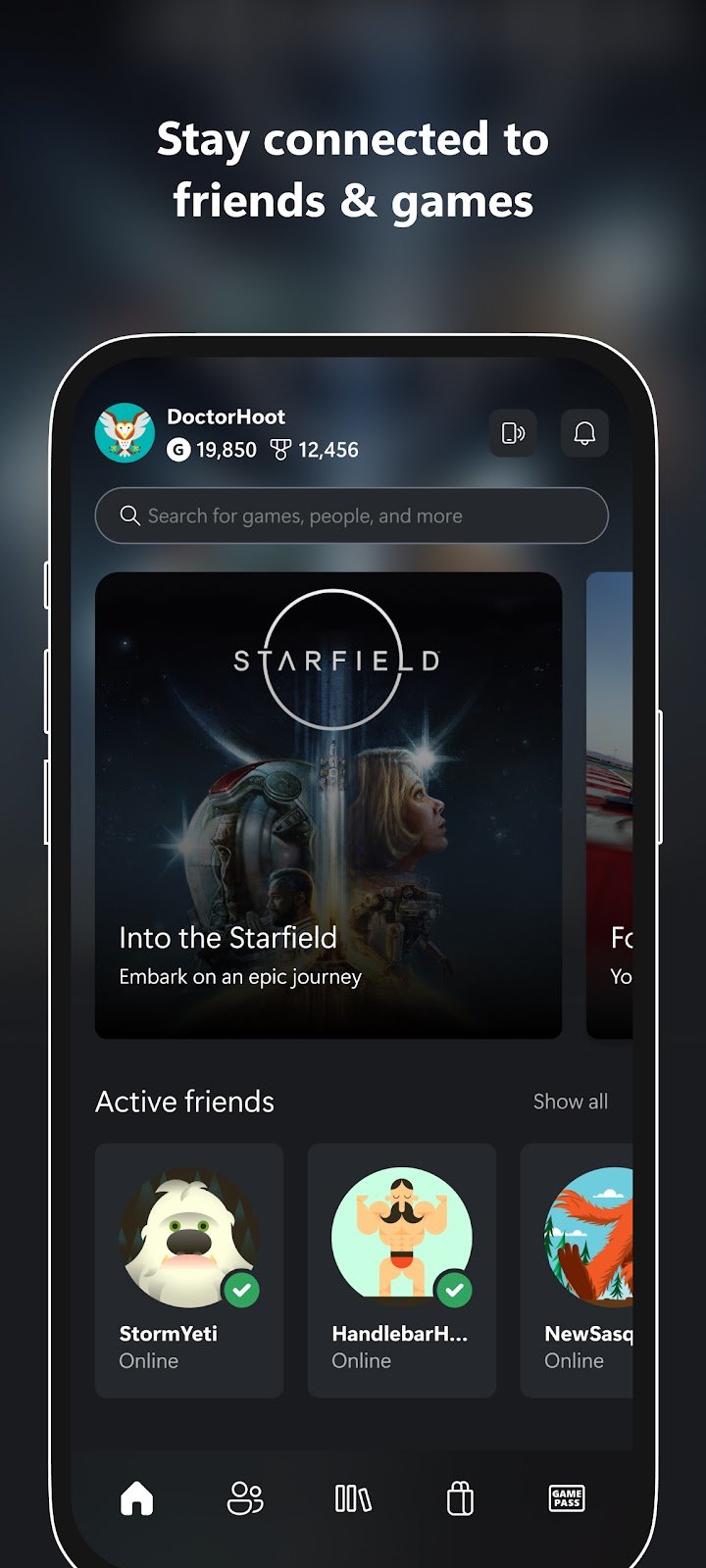
The Xbox app is Microsoft's mobile companion for people who play on Xbox consoles, Windows PCs and related services. The store listing describes it as a way to stay connected to your friends, games and supported gaming devices from your phone or tablet. You do not play full games inside the app. Instead, it handles the social, shopping and management tasks that surround gaming, which makes it most useful for people who already have an Xbox account.
Friends, parties and messages
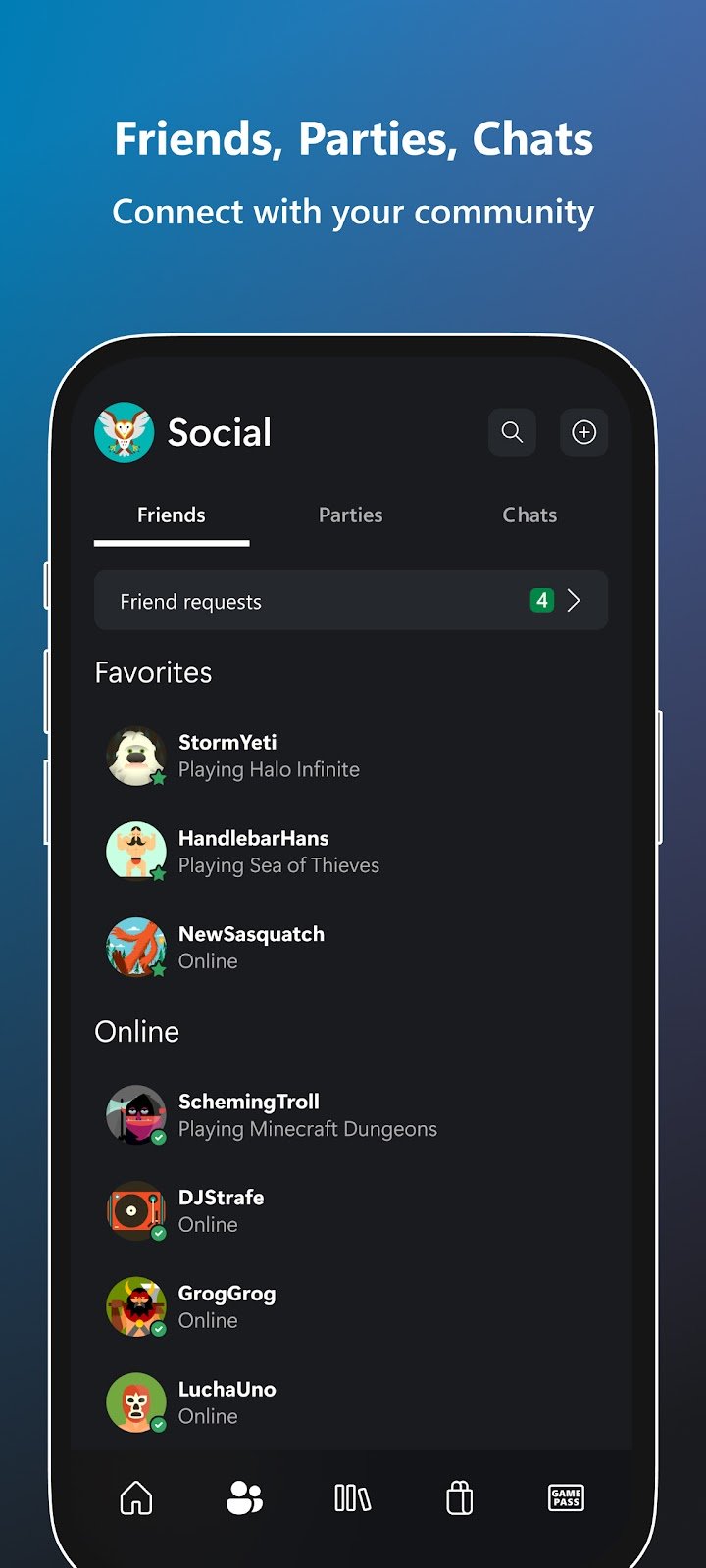
The social features are the main attraction. You can follow your friends, see game invitations and notifications, read and send messages, and join voice and text chat with friends and parties, even if they are playing on console or PC. Privacy settings let you control who can contact you, and it is worth reviewing them if you use the app with public communities.
Achievements and sharing
The app shows your achievements and those of your friends, which is useful if you like tracking progress or comparing results. The listing also says you can share game clips and screenshots from your console to your favourite social networks. If you capture a good moment on a console, the app is a convenient way to send it to friends without moving files by hand.
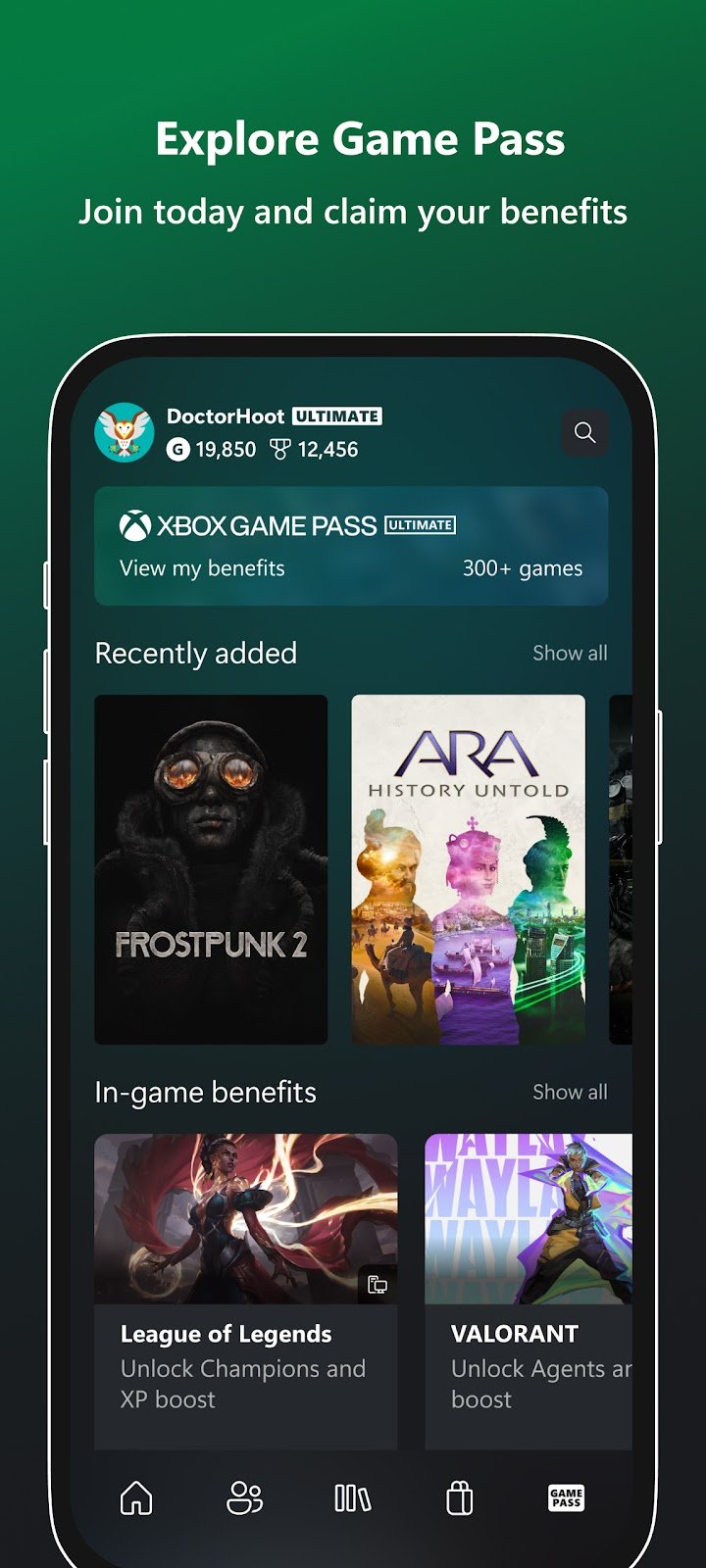
Game Pass and store
You can explore Game Pass, get personalised recommendations, set alerts for new games and queue games to play, according to the store page. You can also buy games from within the app. Subscription plans and prices differ by region and change over time, so read the details in the app before you pay. Wishlists are helpful here: adding a game and returning a few days later helps you avoid impulse purchases.
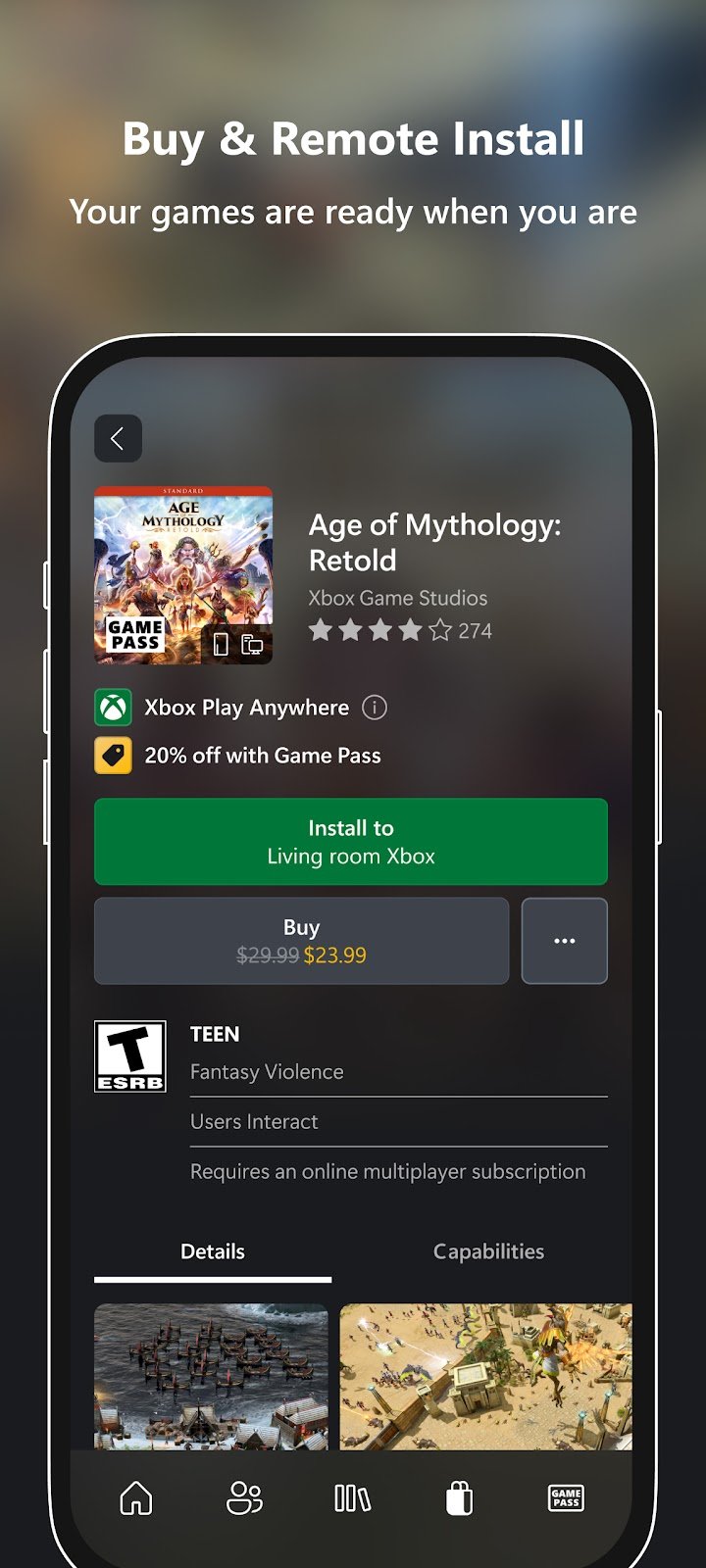
Remote installs
A practical feature is installing games remotely on your console from your phone. This lets you start a download before you get home so that the game is ready when you sit down. For it to work, the console must be set up to receive remote commands, and it needs a network connection and enough free storage. If a download does not begin, check the console's power and network settings.
Rewards
The app lets you track, claim and redeem Rewards points. Programmes like this can change, so check the current rules inside the app instead of relying on older descriptions.
Safety and family settings
Because the app connects to your gaming account, use a strong password and the available two-step verification. Be cautious about friend requests, messages and links from unknown people. Families can use Microsoft's parental tools to manage spending, screen time and communication, and these are worth setting up if a child has an account.
Tips for getting more from it
Turn on only the notifications you want, such as invites from close friends, and mute the rest. Keep the app updated, because social and store features change often. If you use the app mainly for chat, check your microphone permissions and headset settings before joining a party.
Who will enjoy it
Console and PC players who use Xbox services, subscribers who want to manage downloads and friends from their phone, and anyone who wants to share clips will find it useful. If you do not use Xbox services, the app offers little.
Before you download
This site does not provide the game files; everything comes from the official listing. Use the download button to open the official store page and check the current version, size and device requirements first. This page is an independent guide and is not affiliated with Microsoft Corporation.