

- Developer
- Twitch Interactive, Inc.
- Installs
- 100M+
- Downloads
- 0
- Views
- 2
- Updated
- Oct 26, 2026
Screenshots
About Twitch: Live Streaming
Twitch is a live-streaming platform where people broadcast video, most often gameplay, and viewers watch and chat in real time. For players, it is a useful companion app: you can watch someone play a game before you download it, learn strategies from experienced players or follow esports events. The mobile app brings the experience to your phone, so you can watch wherever you are.
Watching live streams
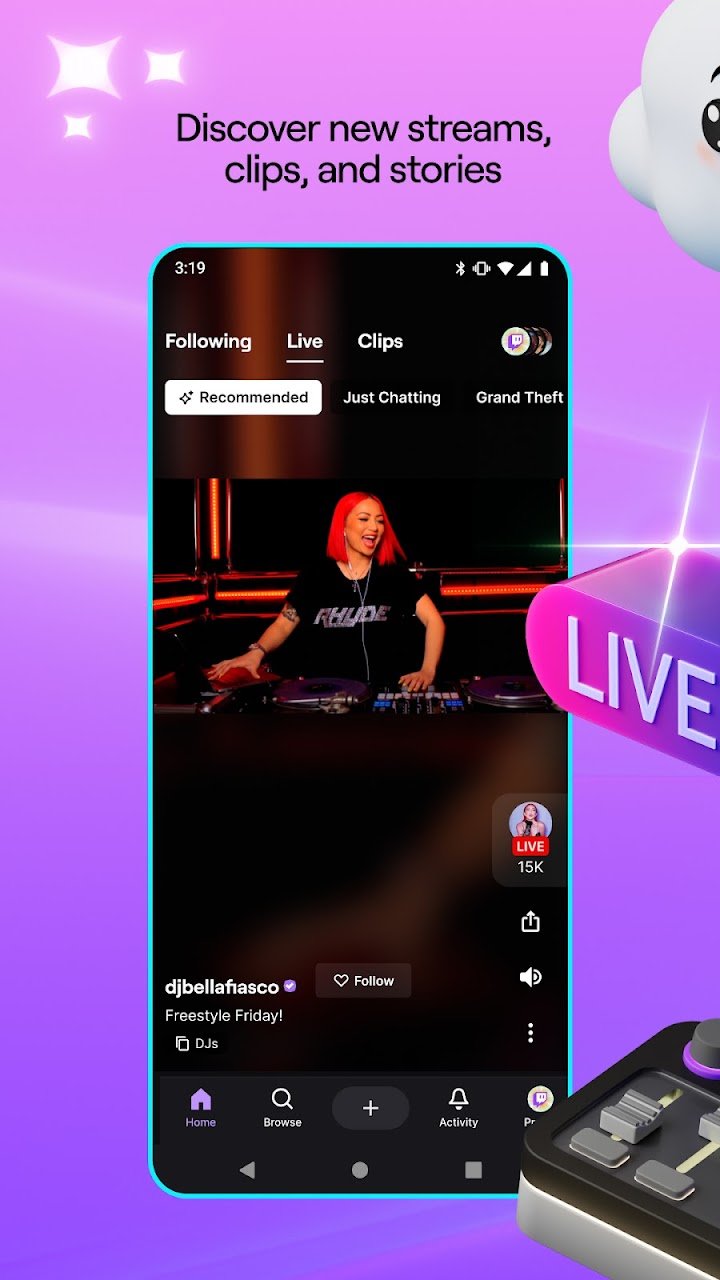
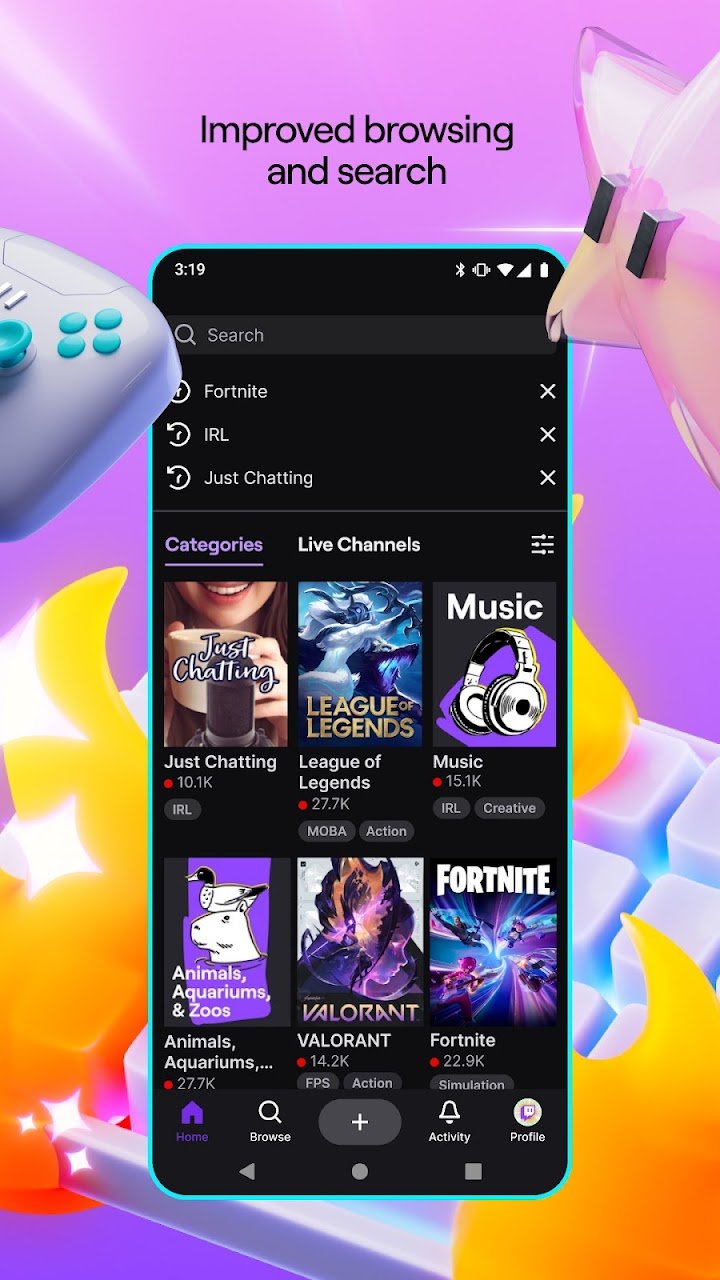
Streams are organised by category, so you can browse by game or topic and see which channels are live. Open a stream and you can watch the video, read the chat and join the conversation. Because the broadcaster is playing live, you see unedited sessions, including mistakes, experiments and reactions. This makes streams a good way to understand how a game actually plays, beyond what trailers show.
Chat and community
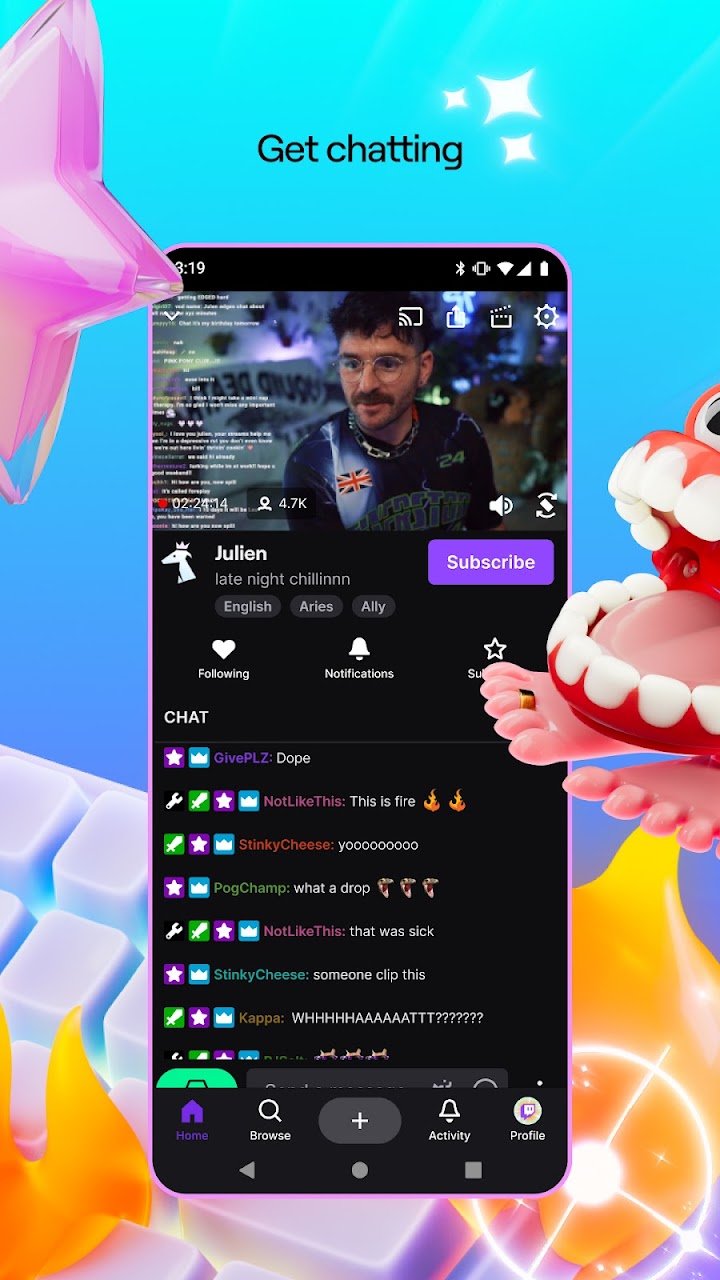
The chat sits beside the video and moves quickly on popular channels. Viewers use text, emotes and short messages to react, and many channels have regular communities with their own jokes and traditions. Moderators help keep chat civil, and channels often publish rules. If you want to take part, read the rules and the mood of the chat before posting.
Following and notifications
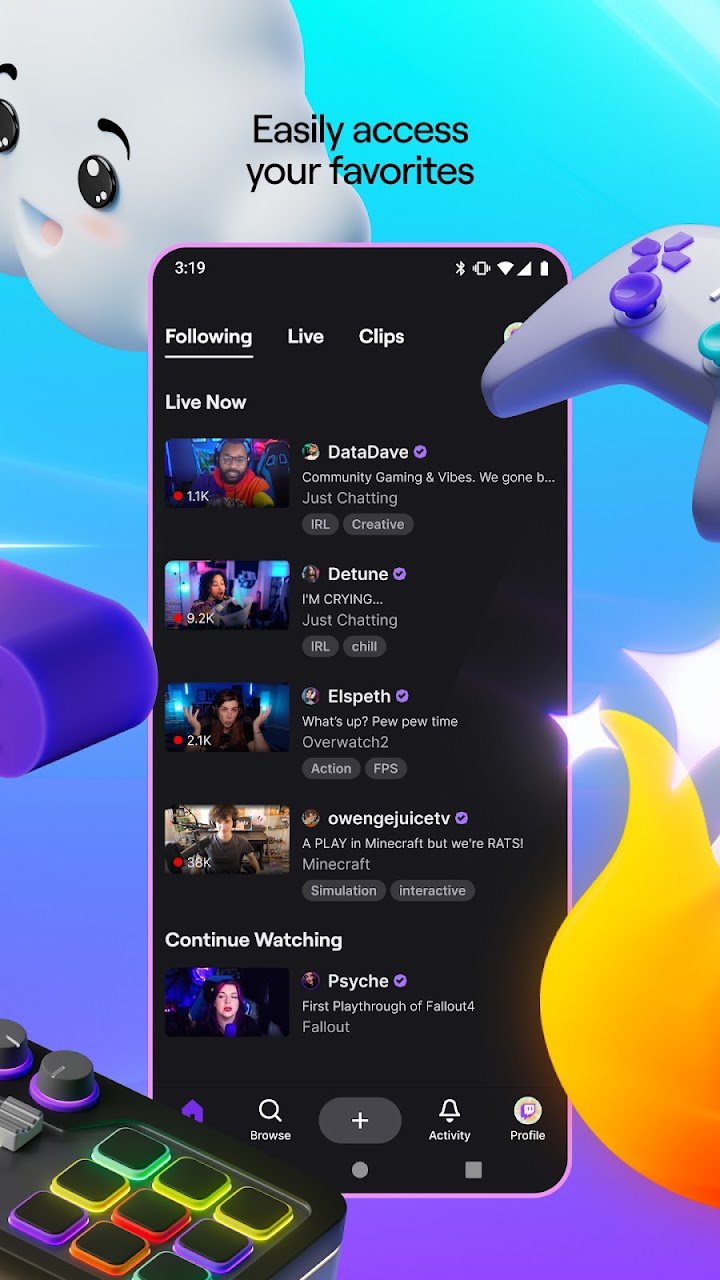
You can follow channels you like, which adds them to a list and lets you receive notifications when they go live. Be selective: notifications from many channels can become overwhelming. You can usually choose which channels send alerts and whether they show on your lock screen.
Clips and past broadcasts
Besides live content, the platform provides recorded broadcasts and short clips, depending on the channel's settings. These are useful if you missed a stream or want to see a specific moment, such as a boss fight or a strategy demonstration. Searching for a game's name often reveals guides and first-impression sessions.
Supporting creators
Viewers can support streamers in several ways, including paid subscriptions, virtual cheering items and watching ads. These options are optional, and the app can be used for free. If you decide to spend money, set a budget and be aware that some prompts in chat encourage spending. Parents should check settings and payment protections.
Safety and privacy
The platform has an age requirement, and families should review it. Public chat can include strong language, so use the filtering and blocking tools if you want a calmer experience. Do not share personal information, and be cautious of links from strangers. If you want to stream yourself, check the privacy settings for who can message or whisper you, and use moderation tools if your channel grows.
Using it for game discovery
A practical way to use the app is to search for a game you are thinking about and watch ten or fifteen minutes of a recent stream. Notice the pace, the controls, how often the player pays for upgrades and whether the game still seems active. This is a more honest preview than a store trailer.
Data use
Streaming video consumes a lot of mobile data. Use Wi-Fi when possible or lower the video quality in the settings if you have a limited plan.
Who will enjoy it
Gamers, esports fans and anyone who likes learning by watching will find it valuable. People who prefer quiet, solo entertainment may find live chat distracting.
Safe installation tips
Instander Games does not host or distribute this game. The download link goes to the official store listing; read its version notes and requirements before you install. This page is an independent guide and is not affiliated with Twitch Interactive, Inc.